a-text-logo0.png
Data Input
Create and manage your Contacts and Companies via two main methods.
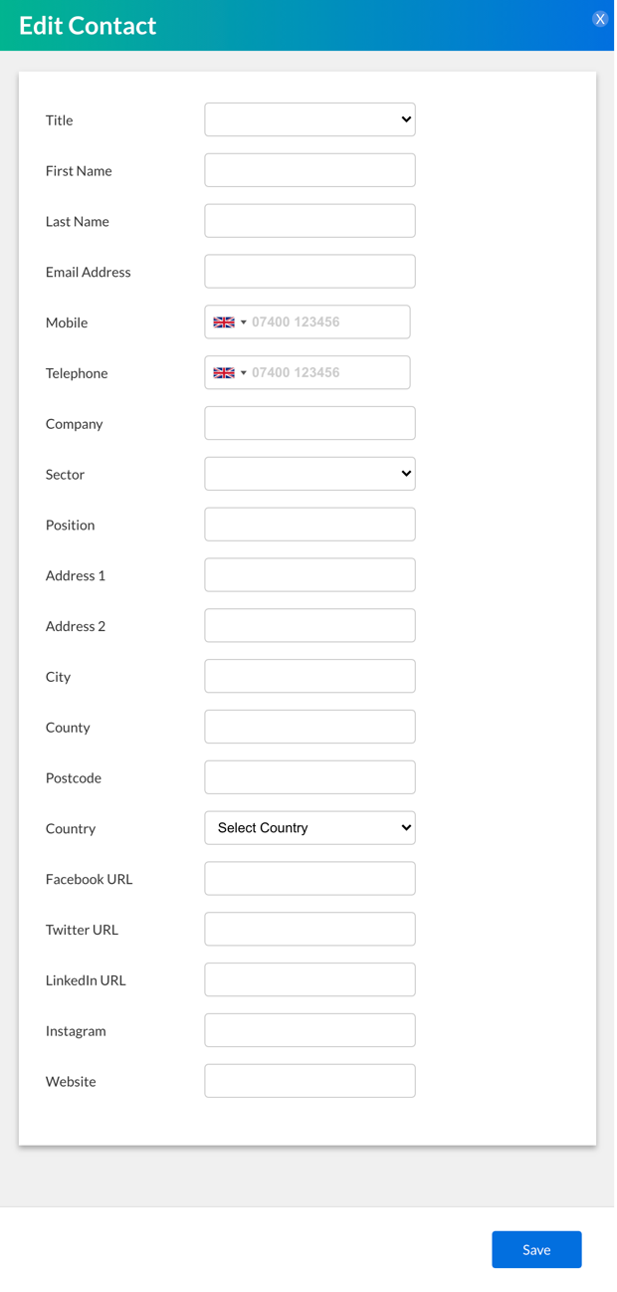
Contacts > Contacts > ‘Create Contacts’ Button
Picture101234567891011121314151617181920212223242526272829303132333435363738.png
Populate the fields as required.
Note: Arkflux is email centric meaning that all contacts entered into the platform are based off an associated email address. An email address is therefore mandatory to create a contact. 
Assigning Companies to Contacts


During contact creation you can assign companies to contacts, or you can update contact profiles with company details later. It's import to be specific with data entry -  if you assign a contact to a company called 360Freedom and the create a company called 360Freedom Ltd, two different companies will be created. 

Integration with HRMC


A look up of companies will show in the company field when you start to enter the company name- this is data coming directly from HRMC and will include the company name and address. If the company already exists, when you go to save the company entry it will inform you that the company already exists. If the company doesn’t exist, entering the company name and details will create the company.

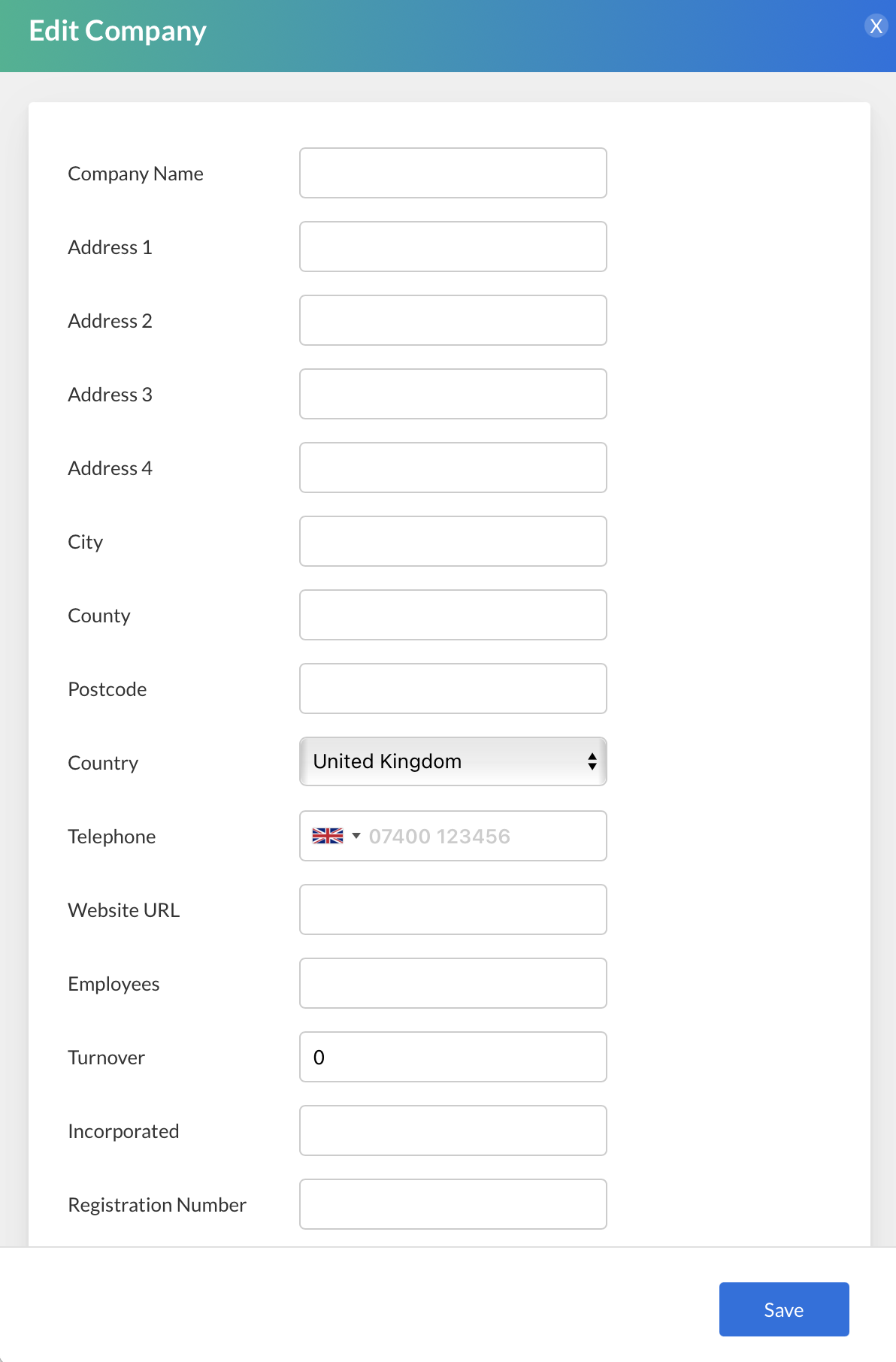
Contacts > Companies > ‘Create Company’ Button
Screenshot2021-09-08at17.56.14.png
Populate the fields as required.
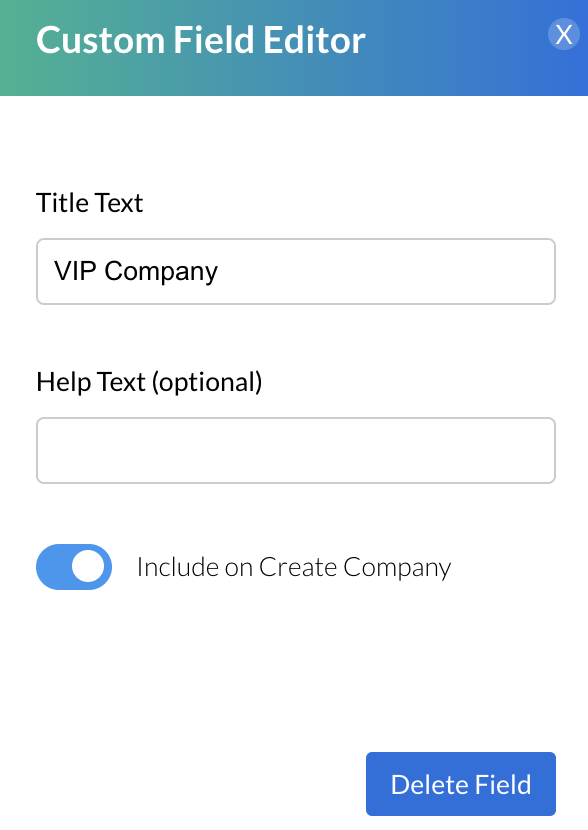
Note: You can add fields to the contact and company profile blade via Custom Field creation.
Screenshot2022-03-08at11.09.06.png
Learn more about Custom Fields 
There are two available data imports in the platform. Use these processes to import or update multiple contacts and/or companies in the platform.
Screenshot2021-08-27at17.24.17.png
Screenshot2021-08-27at17.24.23.png
Note: To ensure there is no duplication in the platform, when importing data via both the contact and company field, ensure company names are added identically.
Screenshot2021-08-30at13.48.01.png